Changing the extension of all files in a folder
Hello to all my dear friends, I hope you're well
Sometimes you may want to rename several files in a particular folder. For example, a while ago I had some pictures with the jpeg extension, and when I put them next to pictures with the jpg extension, their order got messed up. So I had to rename the jpeg files one by one and turn them into jpg. But there's an easier way! And that's to do it with Windows command line commands.
To start, go to the folder you want, hold the Ctrl + Shift keys on your keyboard and right-click on an empty space in the folder to open a menu that includes the Open Command Line Here option. Click this option to open a command window in the current folder, then type the following command:
rename *.jpeg *.jpg
This renames all files with the jpeg extension so their extension becomes jpg.
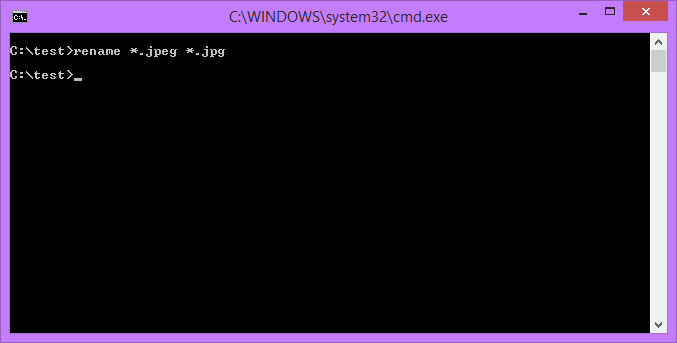
In the same way, you can do other things with this command too.
I hope you enjoyed this post and found it useful...