Managing passwords easily with Kaspersky Password Manager
Hi to all my dear friends. One of the problems that perhaps every web surfer struggles with is forgetting the usernames and passwords they have on different sites, and this really bothers them. For example, imagine that every day, to check your email or log in to your Facebook account, you have to type thousands of words just for your username and password! For a while now browsers have saved passwords themselves, and you may think: given that, why would you need a separate program? But what if you reinstalled Windows? What if you had to use Internet Explorer instead of Chrome, for example? What if you wanted to go online at an internet cafe or a relative's house? Then you couldn't use your browser's password manager anymore.
Kaspersky Password Manager was made for exactly these situations!
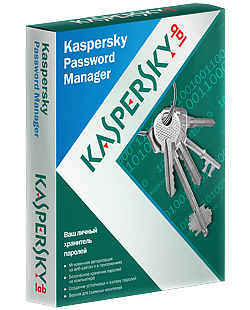 With this program you can easily manage all your passwords, and even import your browsers' passwords into it and then delete them from the browsers. Here I'll give a short explanation of the program too.
The program works by being protected with a main password, the Master Password, and you can use the program once you enter that word.
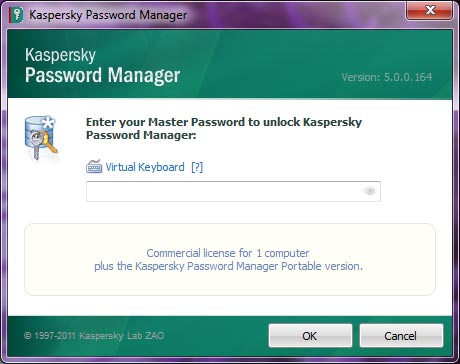 So not just anyone can use your passwords!
You can see all your passwords in one place and edit them.
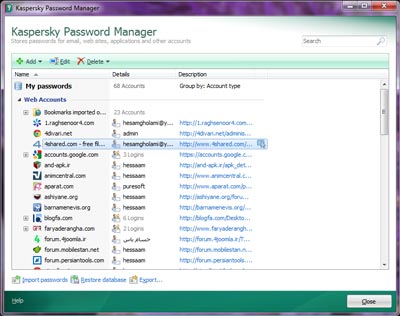
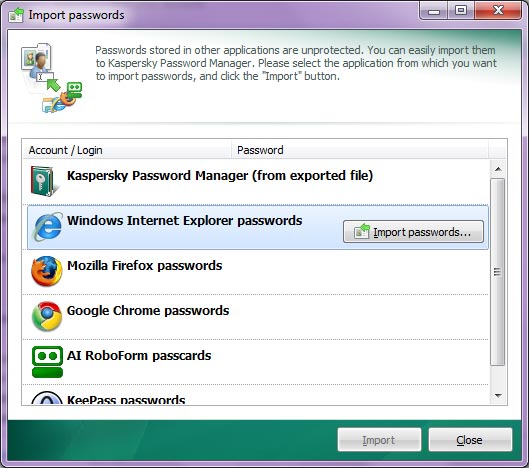
The ability to export passwords for later use (for example, if you reinstall Windows it brings back all your passwords), as well as importing passwords from all kinds of browsers, are among the nice advantages of this program.
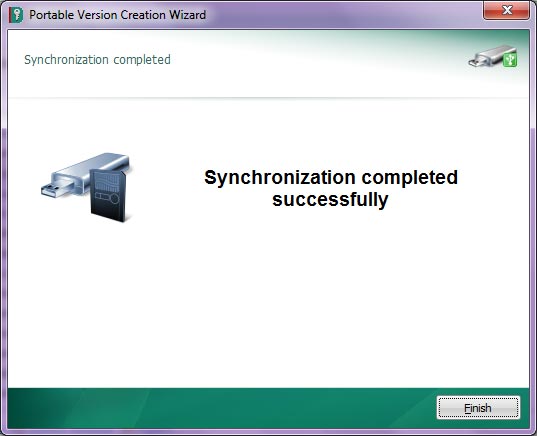
Another nice feature of this program is its portable version: using a USB flash drive, you can put your passwords on it and, in a way, install the program on it too, so you can use it in internet cafes or on other computers, for example.
 Whatever I say about this program's nice features is not enough.
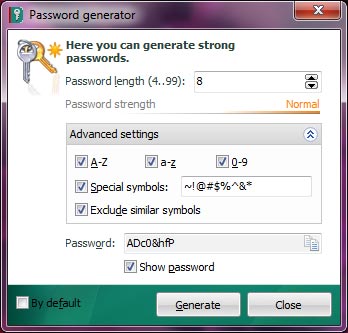
Another of its features is a password generator that can create strong passwords using the parameters you give it. For example, you can specify whether to use letters or numbers, how many characters there should be, whether to use special characters, and so on.
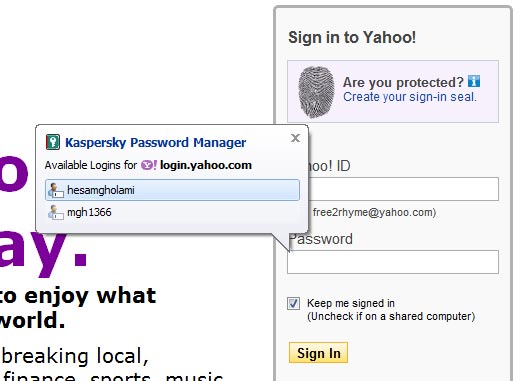
 And the most important use of this program, in browsers, is showing your user accounts, so it can easily enter your password for you without you even touching the keyboard. The way it works is that it shows a small box next to where you have to enter the password, tells you how many user accounts you have, and you log in by choosing an account.
Like the picture below, which is on the Yahoo site and shows two user accounts; clicking either one logs in with it.
 To download it, you can go to Soft98 (an Iranian download site), which has posted the latest version along with a crack.
Download Kaspersky Password Manger v5.0.0.164 from Soft98