An all-in-one folder in Windows 7
Hi to all my friends, I hope you're having a good time... In this post I want to teach you an interesting Windows 7 trick. The result is a very nice all-in-one folder that, in a way, contains all the Control Panel items, organized into categories. To make this magic folder, create a new folder on your desktop and give it any name you like. Then add the following phrase to the end of the name you chose:
XXX .{ED7BA470-8E54-465E-825C-99712043E01C} XXX
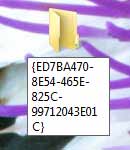
Now when you confirm this name, you'll see that the phrase I mentioned above disappears and the folder icon turns into the Control Panel icon.

Clicking the folder, you'll see that you have an all-in-one folder...
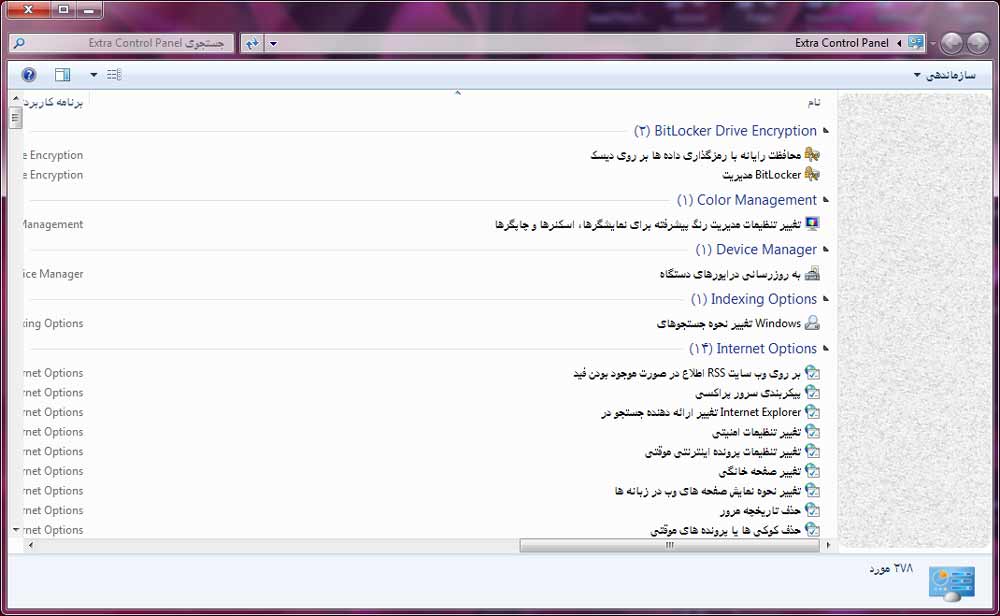 I hope you enjoy it...